Notilo 3.2.5: easier-to-read highlights
Highlights look smoother and read better, whichever of the six colours you pick.
- Search your notes on a page faster.
- Cleaner exports when you save your notes as a file.
- Steadier all round.
 Chrome extension
Highlights that are still there tomorrow.
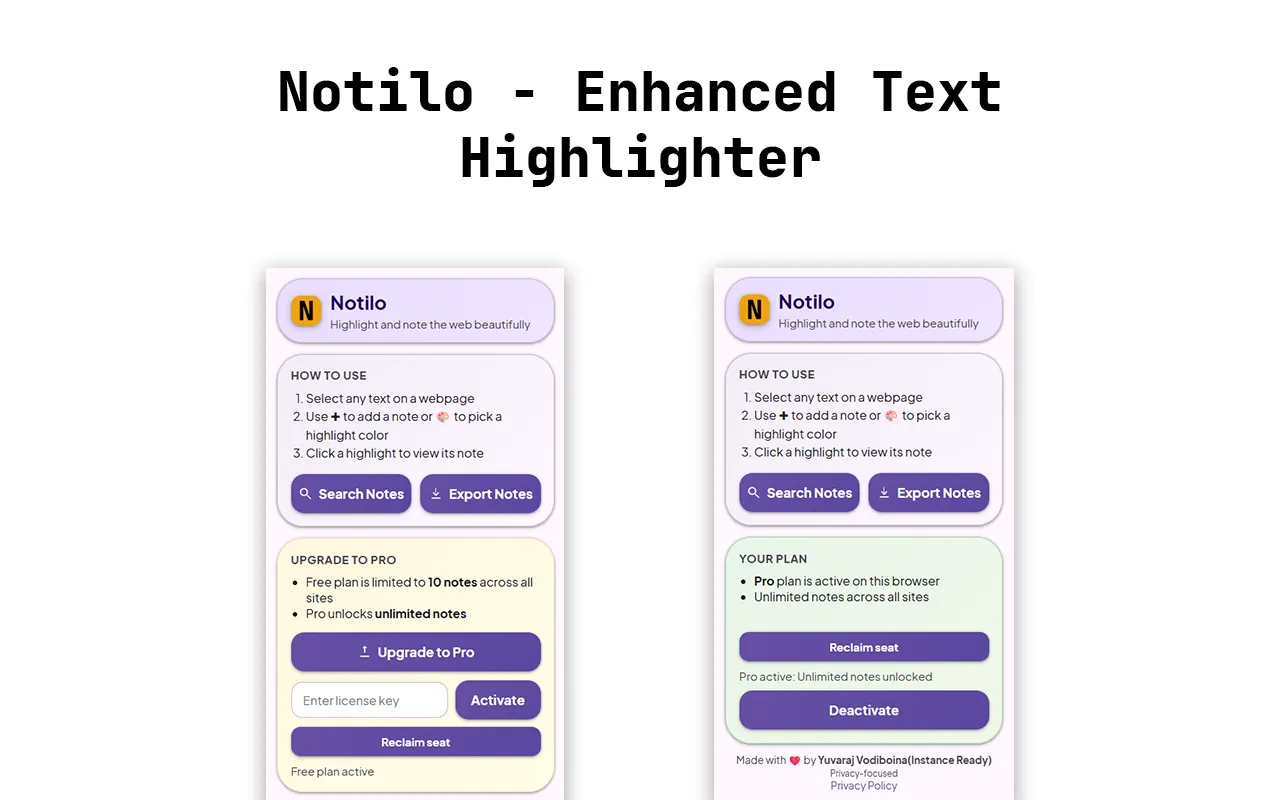
Notilo turns any web page into a research canvas. Highlight text in six colours, attach notes, organise them with categories, search them and export them, without an account.
You read something important, close the tab, and two days later cannot remember where it was or why it mattered.
Most highlighters lose your marks the moment the page re-renders. Notilo anchors each note to the exact words, so it lines up when you come back.
With NotiloFrom installing it to the result you are after. scroll through
On almost any website.
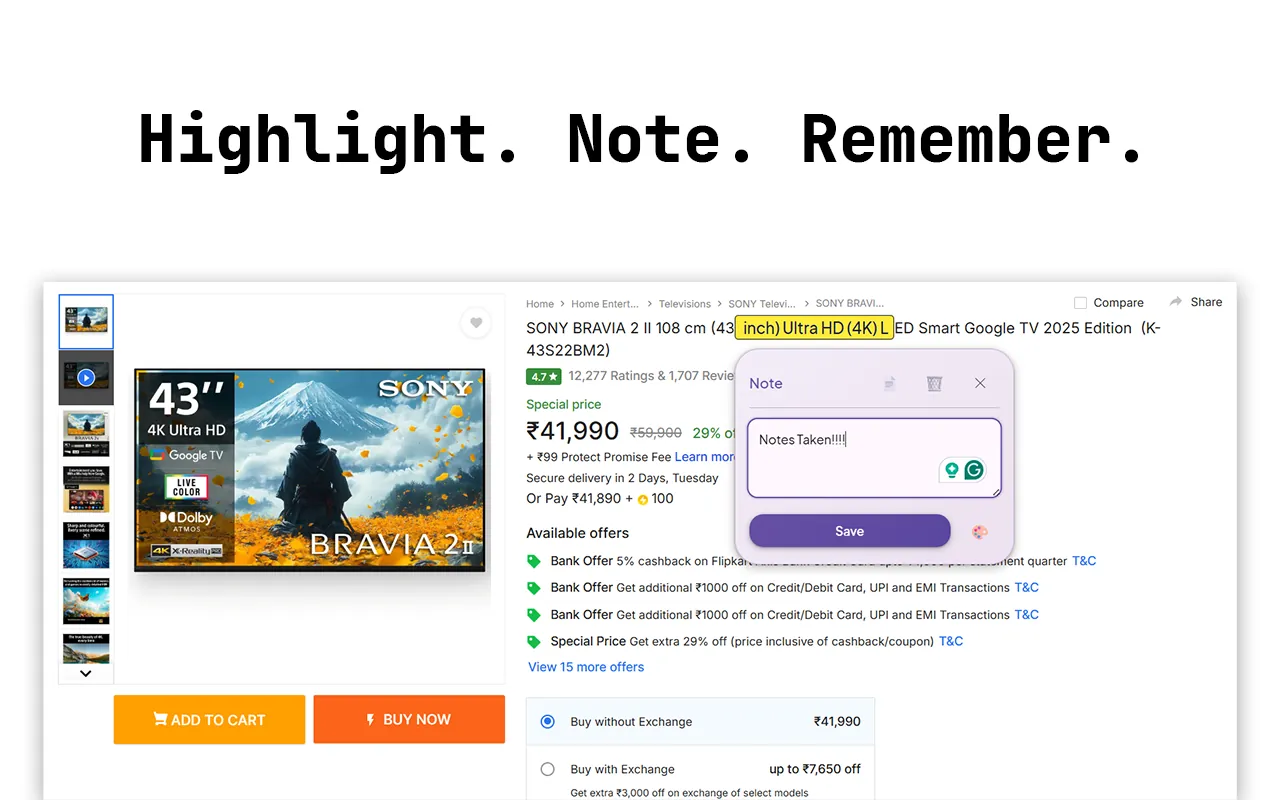
Create a highlight and attach a note right next to the text.
Six colours and six categories, changeable any time.
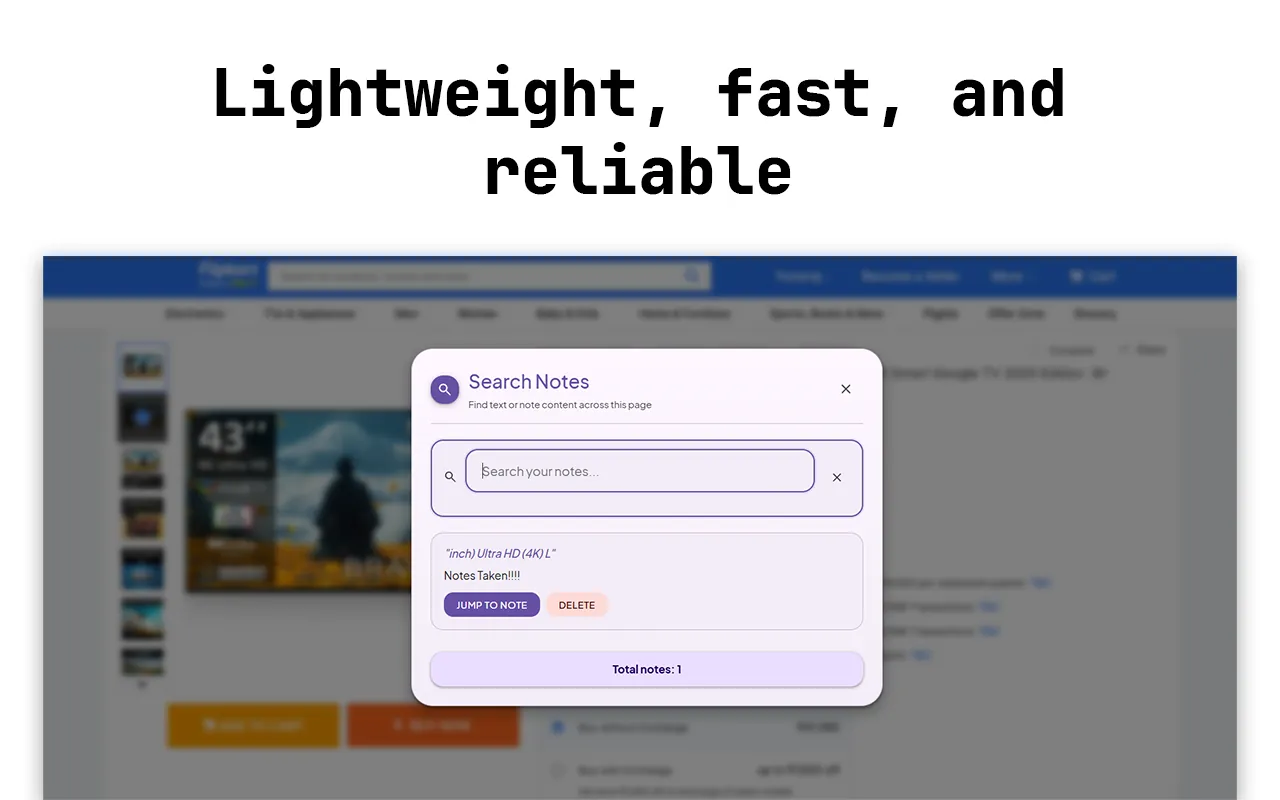
Filter every note on the page, or download them as a clean text file.
Yellow, pink, green, blue, purple and orange.
Add context, thoughts or to-dos next to the text.
General, Important, To-do, Research, Quote or Idea.
A fast overlay that filters across every note on the page.
One note or all of them, ready to paste anywhere.
Free covers 10 notes across all sites. Pro unlocks unlimited notes.
No account, no analytics and no ads. Notes are stored locally in your browser. Pro licences are validated without sending any note content anywhere.
Yes. Each note is anchored to the exact words it belongs to, so it lines up again when you return to the page.
No. There is no account, no analytics and no ads.
Free covers 10 notes across all sites. Pro unlocks unlimited notes.
Locally in your browser. Pro licences are checked without sending any note content anywhere.
Highlights look smoother and read better, whichever of the six colours you pick.
Send a quick hello, or plan a project in three short steps. Either way I read everything myself and reply within a day or two.
Your message is on its way. I'll reply to within a day or two.
 ShopGrade