TabCluster 1.2.10 with a fresh icon
The same one-click tidy-up for a crowded tab bar, with a new look in your toolbar.
- Preview how your tabs will be grouped before anything moves.
- Save a whole set of tabs as a workspace and bring it back later.
 Chrome extension
Forty tabs, tidied in one click.
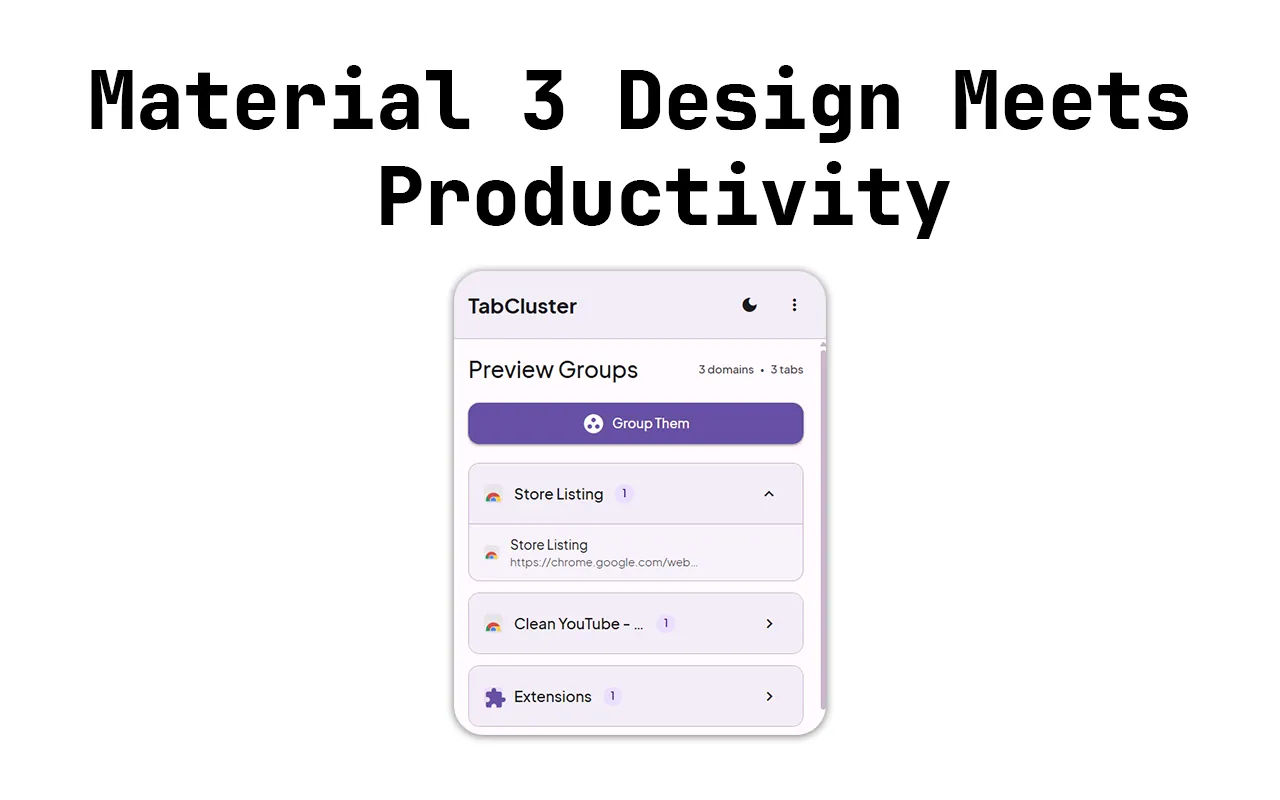
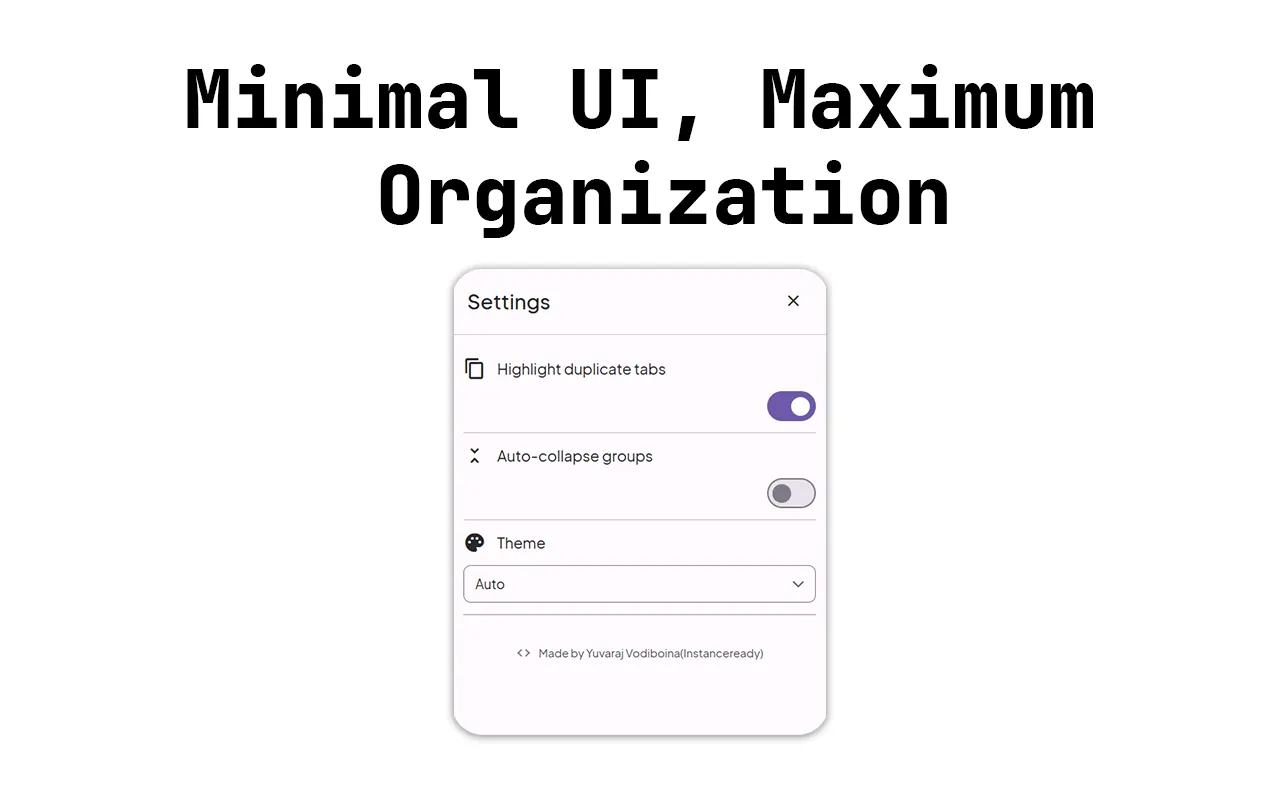
TabCluster groups every open tab by site, lets you preview the groups before applying them, and saves whole workspaces so you can restore them later.
Research, docs, email and three half-finished shopping carts, all in one tab strip. Finding anything means squinting at favicons.
Chrome has tab groups, but setting them up by hand every morning is its own chore.
With TabClusterFrom installing it to the result you are after. scroll through
Your open tabs appear, organised by website.
See exactly what will be grouped before anything changes. You stay in control.
Every site becomes a colour-coded Chrome tab group.
Store the whole layout and bring it back whenever you need it.
One-click grouping by site, with duplicate detection inside each group.
Nothing changes until you press Group. No automatic surprises.
Save and restore entire tab layouts for each project.
Pin, mute and close straight from the popup.
Plus right-click menu integration for power users.
Clean popup with automatic light and dark themes.
Runs 100% locally. No data leaves your browser, no analytics and no external servers. Settings are saved with Chrome storage.
No. You see a preview of the groups first, and nothing changes until you press Group.
Yes. Save a whole workspace and restore it whenever you need it.
No. TabCluster runs entirely in your browser, with no analytics and no external servers.
Yes, TabCluster is free.
The same one-click tidy-up for a crowded tab bar, with a new look in your toolbar.
Send a quick hello, or plan a project in three short steps. Either way I read everything myself and reply within a day or two.
Your message is on its way. I'll reply to within a day or two.
 Notilo