The main speaker or the earpiece
On Android 12 and later the tones can go to the main speaker or the earpiece. The earpiece needs communication mode, which the tone engine enters and leaves inside a single speaker session.
HyderabadIST, taking on projects
Start a project
Water in your speaker? Fix it in a minute.
Speaker Cleaner plays a 165 Hz water eject tone that pushes water and dust out of your phone speaker, so muffled sound comes back clear in about a minute. Free on Google Play, with no sign-up, and it works offline.
Try it
A sketch of the idea, built for this page. The real Speaker Cleaner does a great deal more.
Demo
Start Water Eject, then watch Dust Clean, Vibrate and a custom tone run on the same screen.
A short animated walkthrough with music. The screens are redrawn for the video, so a few details are simplified. The countdowns are sped up.
Watch on YouTubeThe problem
Rain, a splash or a quick rinse, and suddenly every call and song sounds like it is coming from under a pillow. Water sits in the speaker mesh and dampens the sound. Shaking the phone rarely works and rice does nothing for a speaker. Sound itself does: a low tone moves the speaker hard enough to push the droplets back out.
Before
With Speaker Cleaner
Turning the volume all the way up for the clean, and always giving yours back.
How it works
From opening the app to the thing you came for.
Under the hood
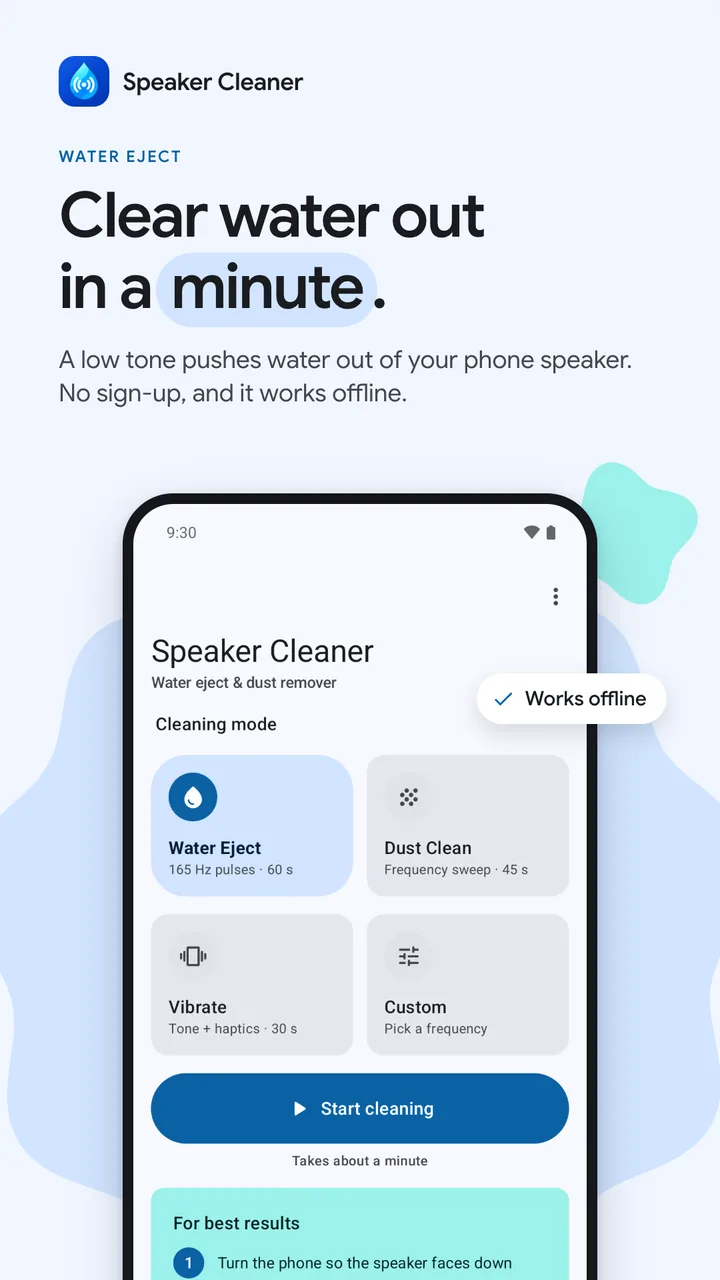
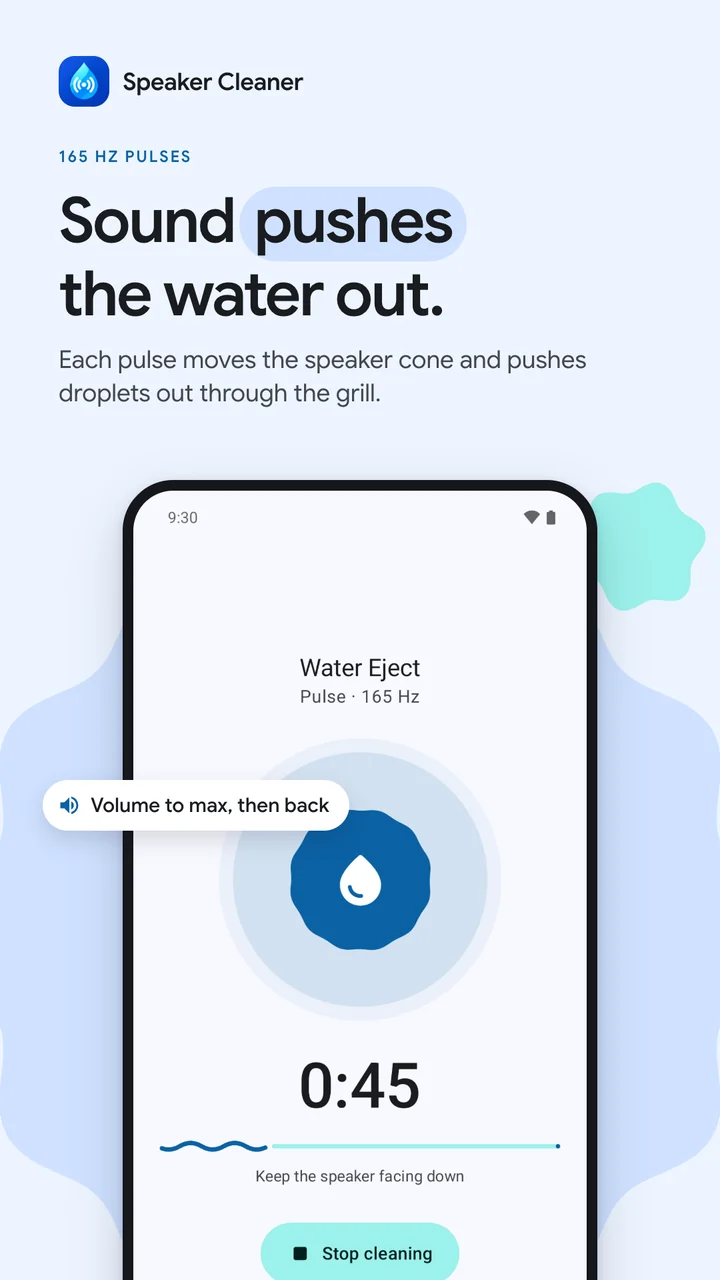
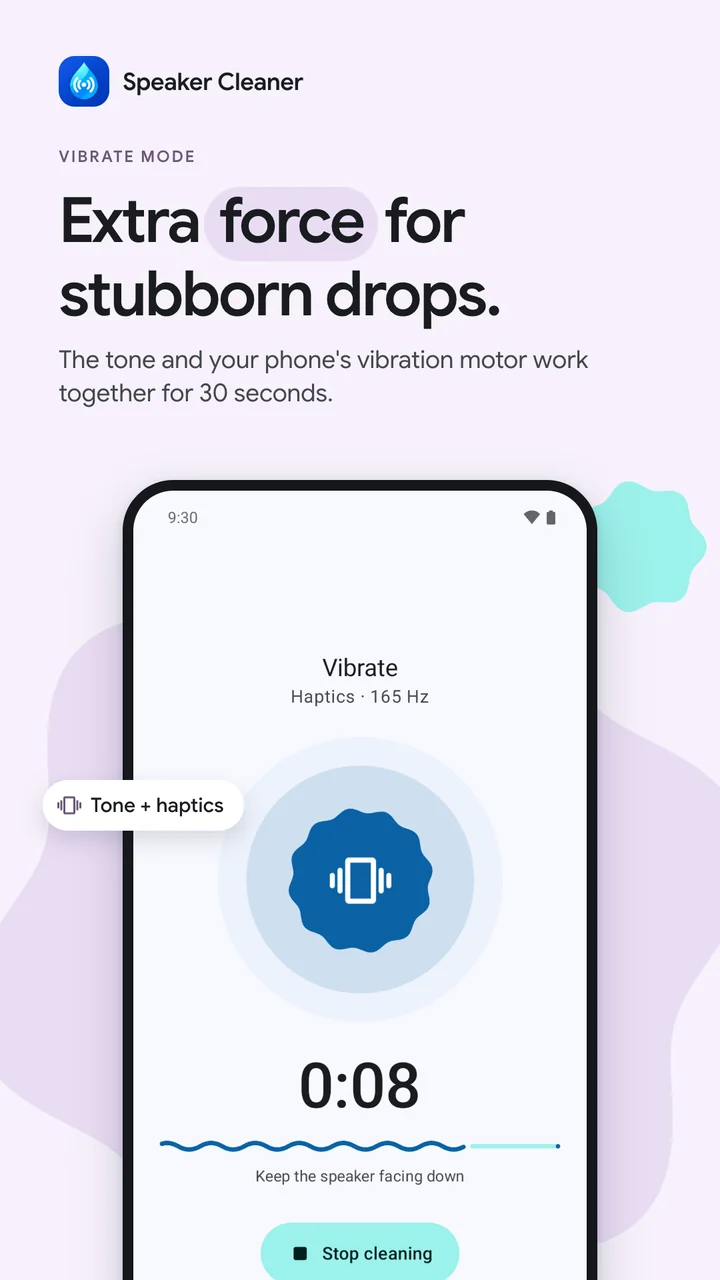
Sound fixes it: a low 165 Hz tone moves the speaker hard enough to push the droplets back out through the grill, the same idea as Water Lock on a smartwatch. Tap Start, the volume goes to max, the tone plays for about a minute, and your volume comes back. There’s Dust Clean (a 45-second sweep), Vibrate for stubborn droplets, any frequency from 50 to 1000 Hz, a test sound to check the result, and home-screen shortcuts.
Water Eject, Dust Clean, Vibrate or Custom
165 Hz pulses and low sweeps
Volume up for the clean, then yours back
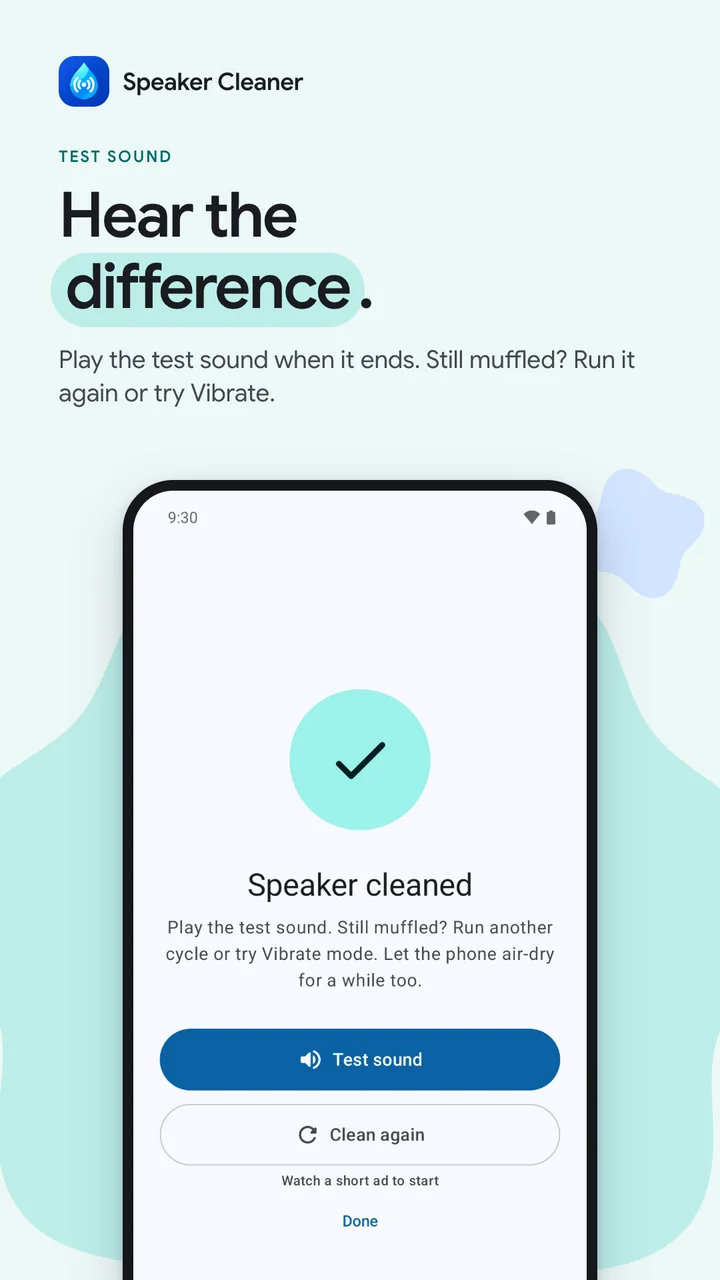
Hear the result
On Android 12 and later the tones can go to the main speaker or the earpiece. The earpiece needs communication mode, which the tone engine enters and leaves inside a single speaker session.
An ad that fails to load never blocks a clean, and the home-screen shortcuts only start a clean straight away when no ad would come first.
Decisions
Each decision lists the reason for it and what it gave up.
Why
Anyone with a wet speaker today can play it in a browser.
Trade-off
A web page can’t turn your volume up for you, so the app does more.
Why
Cleaning a speaker shouldn’t need a connection, an account or a microphone.
Trade-off
It can’t check the speaker for you. The test sound lets you hear it yourself.
Screens
Features
Pulses and low sweeps push droplets out through the speaker grill in 60 seconds.
A 45 second frequency sweep shakes dust and lint out of the speaker mesh.
Tone plus vibration for extra force on stubborn water.
Pick anything from 50 to 1000 Hz with a slider or the 100, 165, 300 and 500 Hz presets.
Send the tones through the small top speaker you hear calls from, for muffled call audio (Android 12 and newer).
Long-press the icon to start Water Eject or Dust Clean instantly.
Your data
No account and no sign-up, and the app never records audio. Cleaning works offline. Ads come from Google AdMob, which asks for consent where the law requires it, and a one-time Remove ads purchase through Google Play turns them all off.
It helps with light splashes, rain and sweat. The 165 Hz tone moves the speaker hard enough to push droplets out through the grill, the same idea as the Water Lock feature on smartwatches. It cannot repair a phone that was fully submerged or a speaker that is physically damaged.
Yes. The tones stay within what a phone speaker plays every day. They are loud by design, so keep the phone away from your ears while it runs.
Yes, on Android 12 and newer. Pick the earpiece and the tones play through the small top speaker you hear calls from, for muffled call audio.
No. Cleaning works offline and there is no sign-up.
Yes. Speaker Cleaner is free and supported by ads from Google AdMob. An optional one-time Remove ads purchase turns every ad off.
Speaker Cleaner is on Google Play for phones running Android 7.0 or newer. No Android phone at hand? You can play the same water eject tone in your browser at yuvarajvodiboina.in/water-eject.
Milestones
Water Eject, Dust Clean, Vibrate and Custom, and a test sound to check your speaker afterwards.
An optional one-time Remove ads purchase, and a clean stops when a call or alarm takes the audio.
Open to everyone in 178 countries, with earpiece cleaning on Android 12 and newer.
A new user's first clean has no ads: no ad before it and no boost offer after it.
Tap Start and your first clean begins right away, with no ad before it and no offer after it.
The app that pushes water and dust out of your phone speaker with sound is now free for everyone on Android.
A new Android app that pushes water and dust out of your phone speaker with sound. It opens to everyone once testing ends.
For businesses
Websites, Shopify stores, Chrome extensions and Android apps, designed and engineered with the same care as my own products.
Tell me about it in a few lines. I read every message myself and reply within a day or two.
Projects run from under $1k for something focused to $8k and up for larger builds.
Or email meyvodiboina@gmail.com
Your message is on its way. I’ll reply to within a day or two.


