Chrome extension

TubeFocus

YouTube, without the rabbit hole.

chromewebstore.google.com
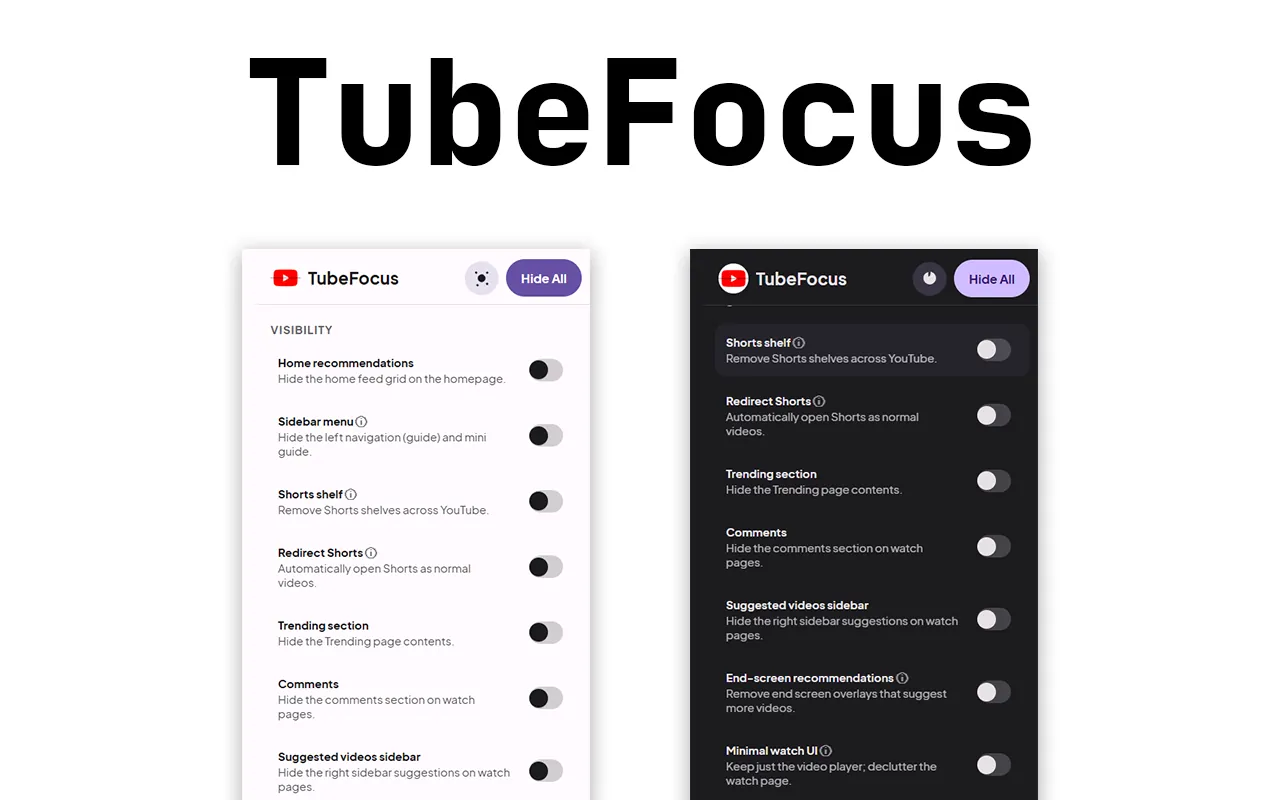
The TubeFocus popup in light and dark
chromewebstore.google.com
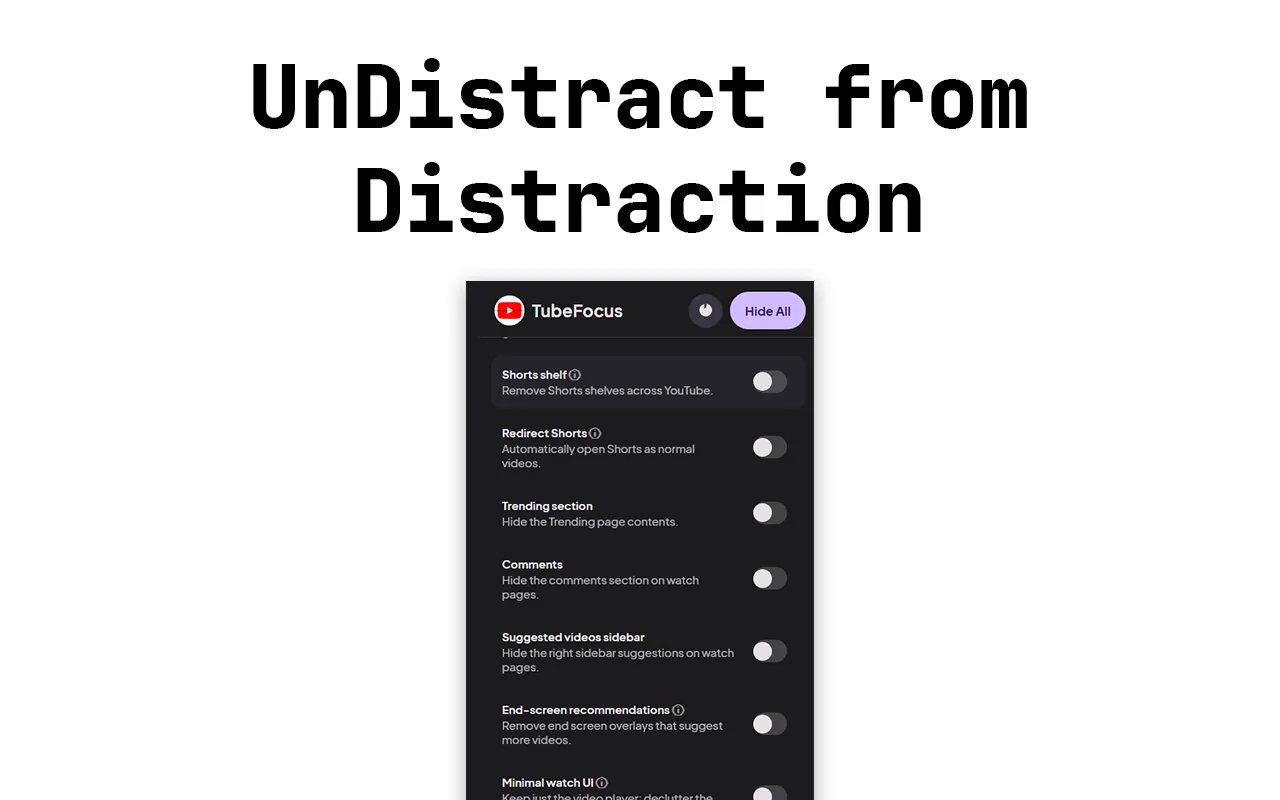
UnDistract YouTube
Focus timerShorts redirectSettings sync

TubeFocus hides the parts of YouTube designed to keep you scrolling. You choose exactly what stays, and a focus timer hides everything for as long as you need.

Platform
Chrome
Version
6.3
Updated
20 Mar 2026
Price
Free
01 / The problem

Why it
exists.

You open YouTube for one tutorial and surface forty minutes later, three recommendations deep.

Blocking YouTube entirely is not the answer; it is useful. The feed around the video is the problem.

Before
  • Recommendations on every screen
  • Shorts shelves pulling you sideways
  • End screens queuing up the next video
With TubeFocus
  • Just the video you came for
  • A focus timer counting down
  • Your settings back when it ends
02 / How it works

Four steps,
no fuss.

From installing it to the result you are after. scroll through

  1. chromewebstore.google.com
    UnDistract YouTube
    01

    Add TubeFocus to Chrome

    It only works on youtube.com and only changes what you ask it to.

  2. chromewebstore.google.com
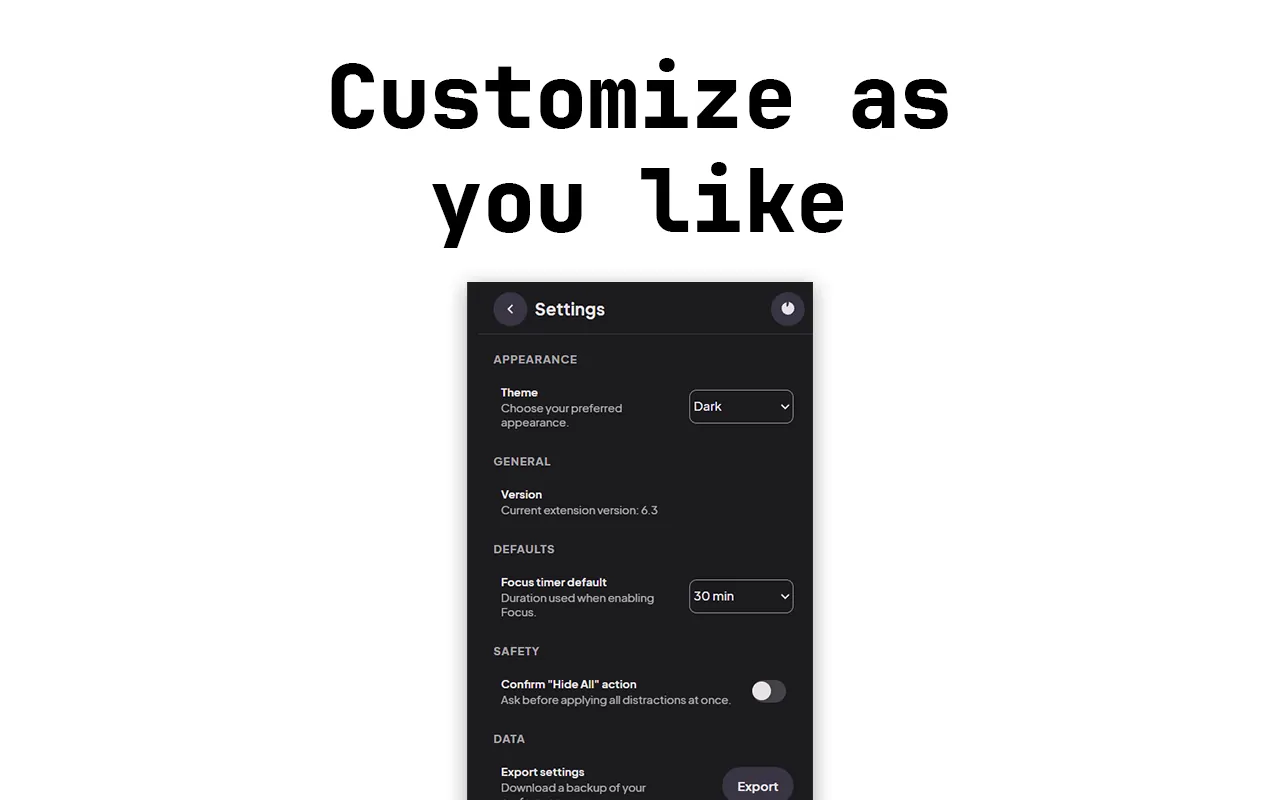
    Customise exactly what you see
    02

    Pick what to hide

    Recommendations, Shorts, the sidebar, comments, end screens or all of it.

  3. chromewebstore.google.com
    The TubeFocus popup in light and dark
    03

    Start a focus session

    One click hides every distraction for 15 to 60 minutes, with a live countdown.

  4. chromewebstore.google.com
    UnDistract YouTube
    04

    Everything comes back

    When the timer ends, your normal settings are restored automatically.

04 / Features

What you
get.

Fine-grained controls

Home recommendations, sidebar, Shorts shelves, Trending, comments, suggested videos and end screens.

Minimal watch mode

Hide the title, channel bar, description and actions for a clean player.

Focus Timer

One-click sessions that survive Chrome suspending the extension.

Shorts redirect

Optionally open Shorts in the regular watch player.

Fast and light

Dynamic CSS injection, light and dark theme support.

Settings that sync

Preferences follow your Chrome sign-in across devices.

Your data

No data collection, tracking or analytics. Settings are stored with Chrome sync storage. Not affiliated with YouTube or Google.

05 / Questions

Good
questions.

Something else? Ask me directly.

Does TubeFocus block YouTube?

No. It hides only the parts you pick, such as recommendations, Shorts, the sidebar, comments or end screens, and leaves the video player alone.

What happens when the focus timer ends?

Your normal settings come back automatically. The timer keeps counting even when Chrome suspends the extension.

Does it collect any data?

No. There is no data collection, tracking or analytics. Your settings are saved with Chrome sync storage so they follow your Chrome sign-in.

Is it free?

Yes, TubeFocus is free. It is not affiliated with YouTube or Google.

06 / Updates

Still
shipping.

Updatev6.3

TubeFocus 6.3: focus mode with a live countdown

One click hides every distraction on YouTube for 15 to 60 minutes, and you can watch the time tick down.

  • A cleaner popup, redesigned in Google's Material 3 style.
  • Turn Shorts into regular videos, so they stop auto-scrolling.
  • More precise hiding, so only the distractions go.

TubeFocusFreeAdd to Chrome
the sun's down, but I'm still around

Got an idea?
Let's make it real.

Send a quick hello, or plan a project in three short steps. Either way I read everything myself and reply within a day or two.

What are we building?

Pick one or more. Not sure yet is fine too.

Budget and timing

A rough idea helps me suggest the right plan. Skip either one if you are not sure.

Budget
When do you need it?

Say hello

From
To: Yuvaraj, Hyderabad

Your details come straight to my inbox and are only used to reply. Nothing is stored on this site or shared.