Android app

Calculator SecureVault

It looks like a calculator. It is actually a vault.

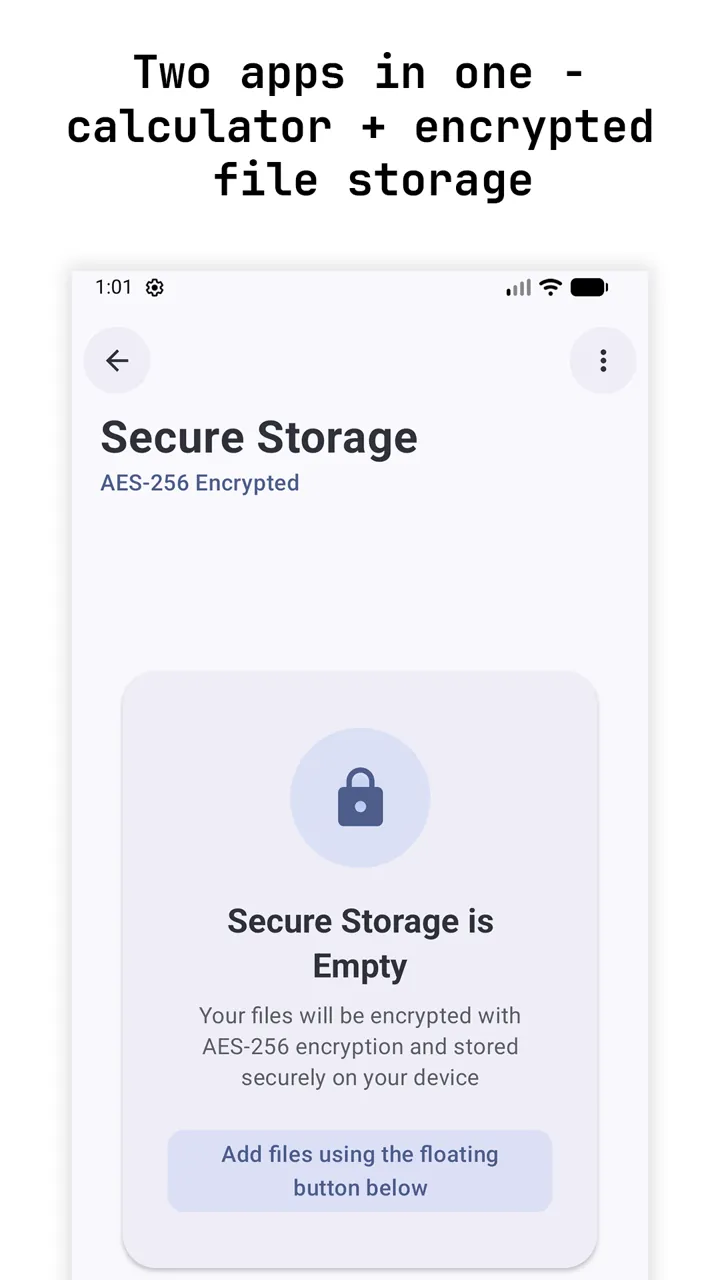
A calculator and an encrypted file store in one
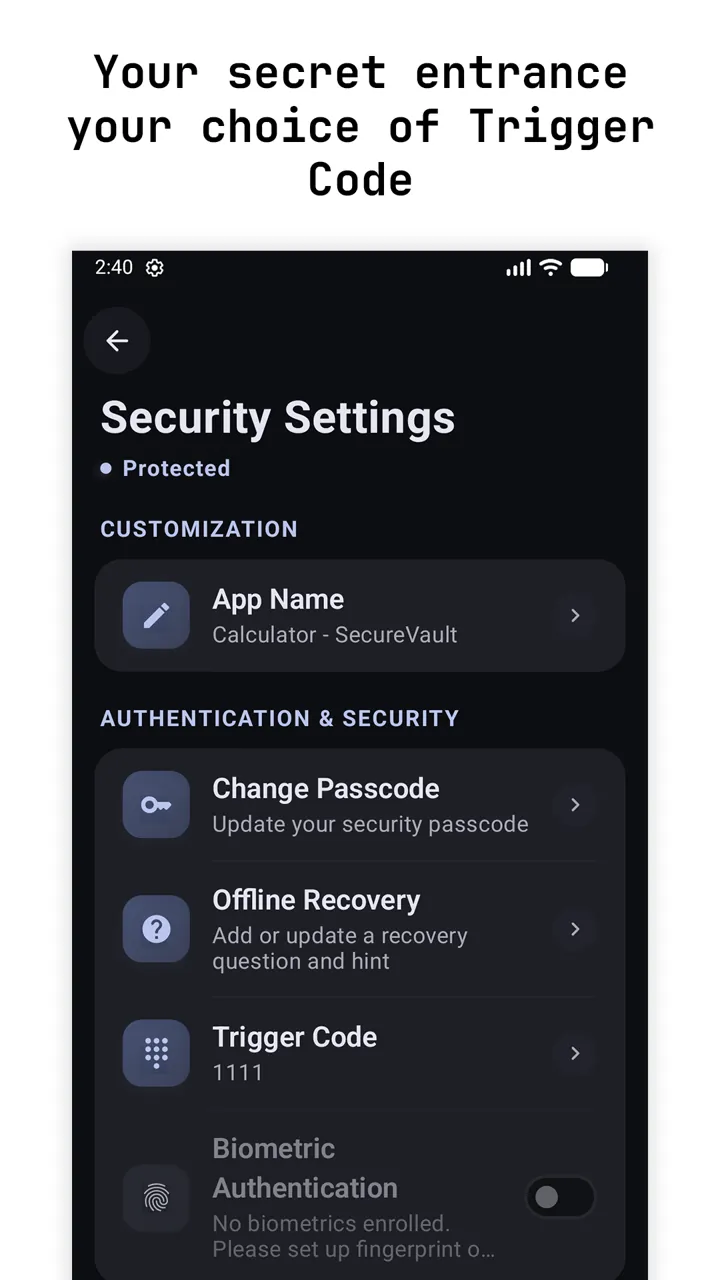
Choose your own secret trigger code
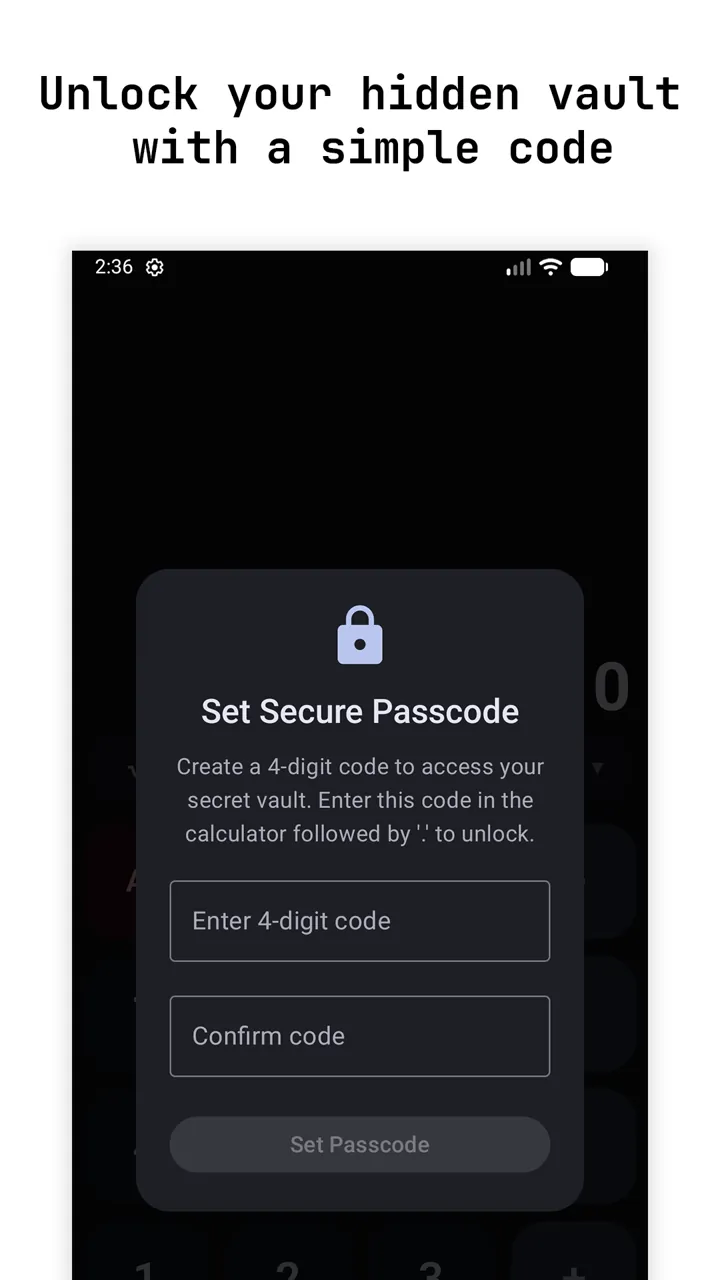
Unlock the hidden vault with a simple code
AES-256-GCMFingerprint unlockNo account

A real scientific calculator on the outside and an AES-256 encrypted vault for your photos, videos and files on the inside. Everything stays on your phone.

Platform
Android
Updated
22 Sep 2026
Price
Free, optional one-time upgrade
Account
None needed
01 / The problem

Why it
exists.

Phones get borrowed, handed around and picked up. A gallery full of private photos or an ID scan is one tap away from anyone holding it.

Most vault apps announce themselves with a big padlock icon. The disguise is the whole point.

Before
  • Private photos one tap from anyone holding your phone
  • Vault apps with a big padlock icon
  • An account and an upload just to hide a file
With SecureVault
  • A calculator that genuinely works
  • A vault that opens only with your code
  • Encrypted on the phone, with no account
02 / How it works

Four steps,
no fuss.

From opening the app to the thing you came for. scroll through

  1. A calculator and an encrypted file store in one
    01

    Use it as a calculator

    Percentages, trigonometry, logarithms, powers and history. It genuinely works.

  2. Choose your own secret trigger code
    02

    Type your secret code

    Enter your code and the calculator quietly opens your vault.

  3. Unlock the hidden vault with a simple code
    03

    Unlock with your fingerprint

    Biometric unlock on top of a 4 to 8 digit passcode.

  4. Auto-lock, screenshot blocking and more
    04

    Close it and it is a calculator again

    Auto-lock after inactivity returns you to the calculator.

04 / Features

What you
get.

AES-256-GCM encryption

Keys are protected by the Android Keystore. Filenames and metadata are encrypted too.

Hidden in plain sight

Pick the app name shown on your home screen. Invisible to file managers.

Screenshot blocking

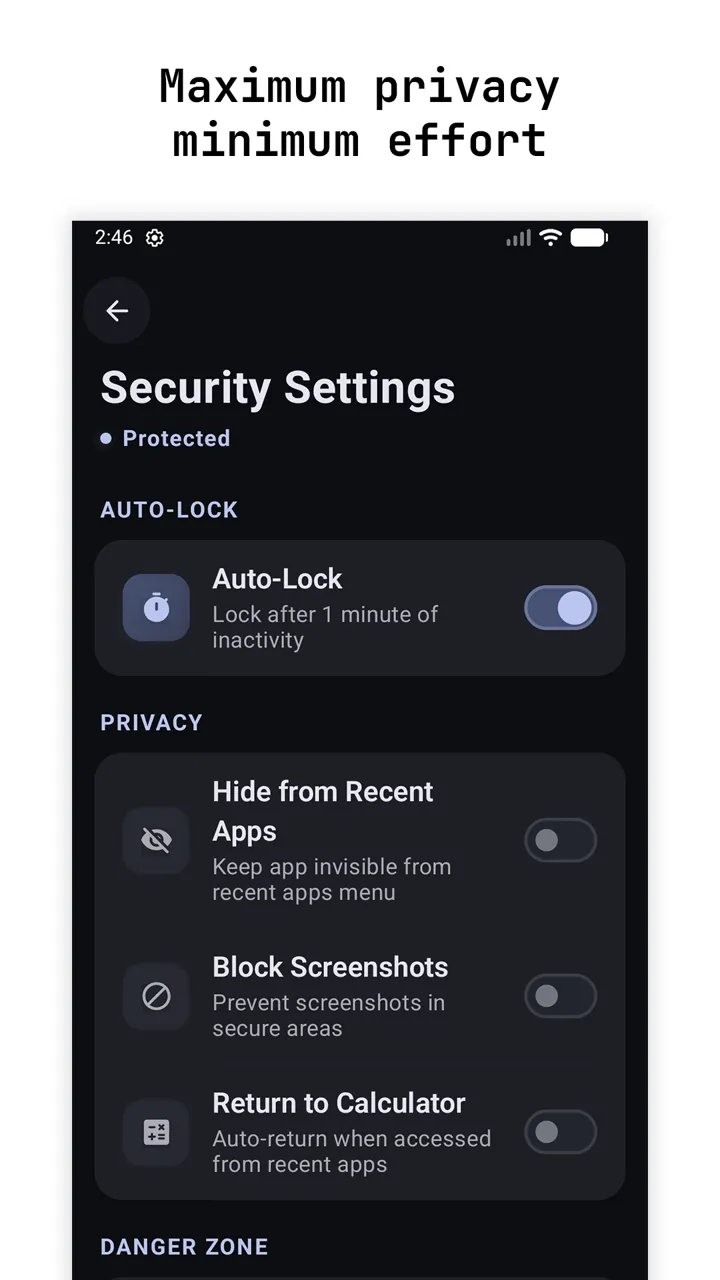
Sensitive screens are blocked from screenshots and hidden from recent apps.

No cloud, no account

No registration and no uploads. There are no servers for your files to go to.

Light and dark mode

Material Design 3 throughout, on both the calculator and the vault.

One-time Premium

Removes ads and adds batch operations, a decoy vault and intruder selfie. No subscription.

Your data

Your files never leave your device. There is no account, no registration and no cloud upload. Ads in the free version come from Google AdMob and never appear on the calculator itself.

05 / Questions

Good
questions.

Something else? Ask me directly.

Does the calculator actually work?

Yes. It handles percentages, trigonometry, logarithms and powers, and it keeps a history. Only your secret code opens the vault.

Where are my files stored?

Only on your phone. They are encrypted with AES-256-GCM, the keys are protected by the Android Keystore, and filenames and metadata are encrypted too. There is no account and no cloud upload.

Can someone tell it is a vault?

You choose the app name shown on your home screen, vault files are invisible to file managers, and sensitive screens are blocked from screenshots and hidden from recent apps.

Is it free?

Yes, with ads from Google AdMob that never appear on the calculator itself. A one-time Premium upgrade removes ads and adds batch operations, a decoy vault and intruder selfie. There is no subscription.

06 / Updates

Still
shipping.

Updatev7.7

Setting up SecureVault is clearer

The first screen now says exactly what you are choosing: the secret code you type into the calculator to open your vault.

  • Clearer wording on every setup button and message.
  • Your passcode is now stored with much stronger protection.
  • Stability and speed improvements.
Updatev7

SecureVault 7: a decoy vault, intruder selfies and a private notebook

The biggest SecureVault update yet, and the app is now free to download.

  • Decoy vault: a second passcode opens an empty vault if someone forces you to unlock it.
  • Intruder selfie: a wrong guess quietly takes a photo of whoever is trying, and logs the attempt.
  • Private notes, plus a built-in viewer for your photos, videos and audio, so nothing has to leave the vault.
  • A calculation history, so the calculator side is genuinely handy too.
  • Free to download. A one-time Premium adds the decoy vault, intruder selfies and batch actions, and removes ads. Anyone who bought the app before keeps all of it.
Updatev6.5

Shake to lock: SecureVault gets a panic switch

If you need to hide your files in a hurry, shake your phone and the vault locks straight away.

  • Turn it on in Security settings. It is free for everyone, always.
Launchv6.0

SecureVault arrives on Google Play

A calculator that really works on the outside, and an encrypted vault for your photos, videos and files on the inside.

  • Type your secret code and press equals to open the vault.
  • Everything is encrypted on your phone. No account, no cloud.
  • Take photos and videos straight into the vault with the built-in camera.
  • Hide it from recent apps, block screenshots and choose the name it shows on your home screen.
  • Forgot your code? An offline recovery question gets you back in.
SecureVaultFree, optional one-time upgradeGoogle Play
the sun's down, but I'm still around

Got an idea?
Let's make it real.

Send a quick hello, or plan a project in three short steps. Either way I read everything myself and reply within a day or two.

What are we building?

Pick one or more. Not sure yet is fine too.

Budget and timing

A rough idea helps me suggest the right plan. Skip either one if you are not sure.

Budget
When do you need it?

Say hello

From
To: Yuvaraj, Hyderabad

Your details come straight to my inbox and are only used to reply. Nothing is stored on this site or shared.